

How to Create a Store QR Code to Drive More Walk-In Customers
A store QR code lets customers open Google Maps for directions, view location details, call directly, or claim offers — all with a single phone scan.
It's a practical solution to common offline business problems: customers struggling to find your address, multi-branch chains with inconsistent information, or new stores with limited brand awareness.
This guide covers how to create a QR code for your store, which types work best, and how to roll them out effectively.
What Is a Store QR Code?
A store QR code is designed to deliver location-specific business information, helping customers find, access, and interact with your store faster.
When scanned, customers can:
Open Google Maps for directions
View store details (address, opening hours)
Call directly
Visit your website or social media pages
Browse your menu, services, or current promotions
Unlike product QR codes, store QR codes focus on the in-store experience and driving walk-in traffic.
How Do Businesses Use Store QR Codes?
Help Customers Find Your Store Faster
A QR code opens Google Maps instantly — no typing an address, no manual searching. This works especially well for stores tucked in alleys or hard-to-find locations, newly opened branches, and first-time visitors.
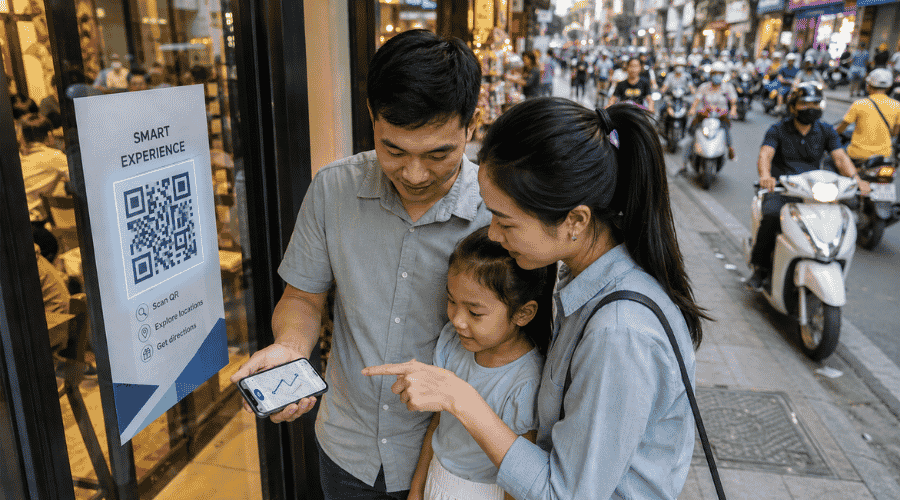 QR navigation shortens customer search journeys within crowded urban business districts
Deliver Store Information Instantly
After scanning, customers see your address, phone number, opening hours, store photos, and social media links — all in one place, without having to search across multiple platforms.
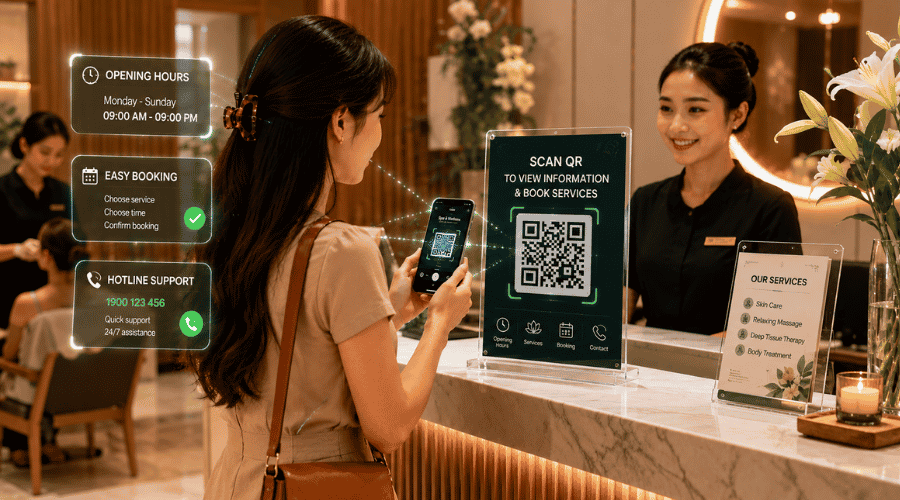 Clear QR-accessible information helps customers feel more confident visiting unfamiliar businesses
Strengthen In-Store Marketing
Many businesses use QR codes as a touchpoint in their offline-to-online strategy: scan to claim a voucher, register as a member, join a check-in program, or submit contact information. Beyond navigation, QR codes can actively drive engagement and conversions at the point of sale.
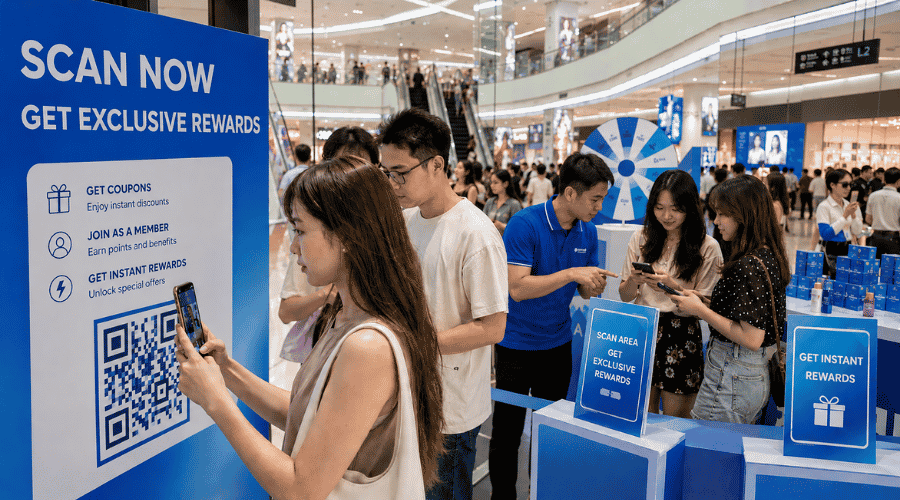 Event QR activations create stronger in-store engagement and real-time customer participation
Common Types of Store QR Codes
The most widely used type. It opens Google Maps and navigates customers directly to your location with one scan. Ideal for businesses looking to increase walk-in traffic, reduce wrong-address visits, and simplify the navigation experience.
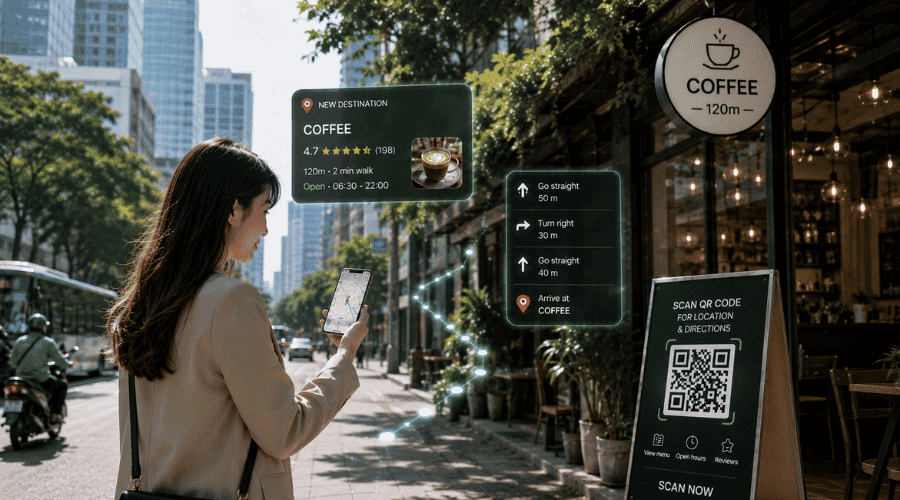 QR-powered navigation reduces customer frustration when locating unfamiliar physical stores
Common in restaurants, cafés, spas, and clinics, allowing customers to view information without waiting for staff. Restaurants use it for food menus, spas for service price lists, and clinics for treatment directories.
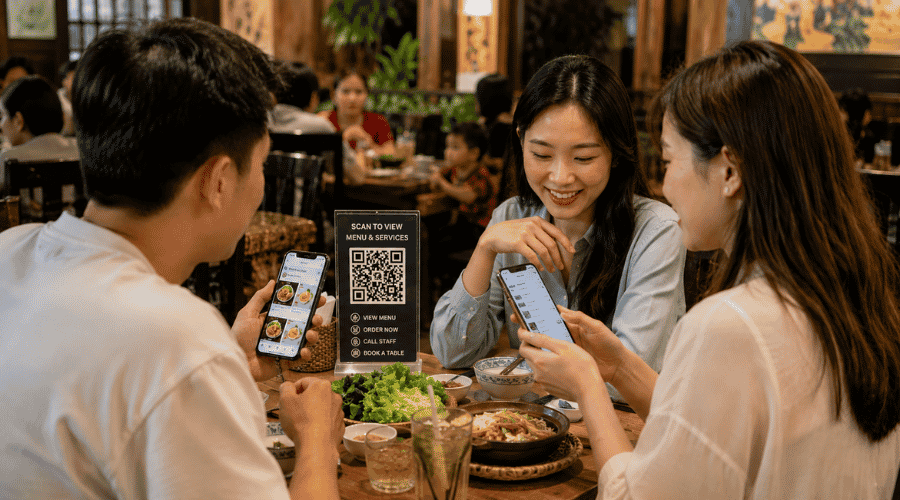 QR menus allow businesses to update services instantly without costly printed replacements
Multi-Link QR Code
A single QR code that connects to multiple destinations — Google Maps, phone, website, Facebook, or messaging apps. Best suited for businesses building an omnichannel experience and moving customers from offline to digital touchpoints.
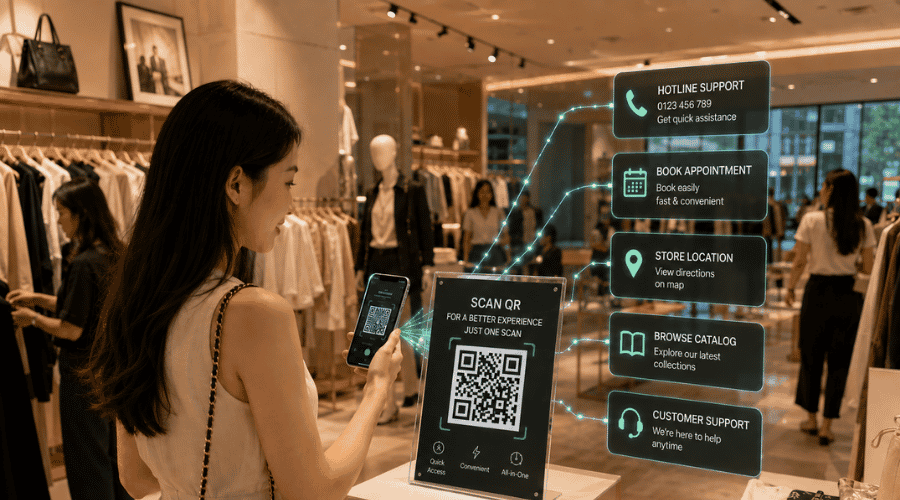 Single QR ecosystems simplify omnichannel customer journeys for modern retail businesses
How to Create a Store QR Code
iCheckQR lets you create a store QR code in two ways: manually or using AI for faster setup.
Method 1: Create a Store QR Code Manually
Step 1: Go to the Store Section
In the left menu, find and select Store under the Advanced or Objects section.
Step 2: Create a New Store
Click the Create Store button to begin setup.
Step 3: Enter Store Information
Under the Information tab, fill in the required details:
Basic info: store name, phone number, email, country, address
Images and video: drag and drop files or add via URL
Social media: add links to Facebook or other channels
Store description: a short headline and detailed description
Step 4: Save Settings
Once complete, click Next in the top right corner to move to the Settings step and save your data.
Step 5: Customize and Generate the QR Code
Select the store you just created, optionally name the QR code, then customize the QR body style, corner patterns, colors, and brand logo. Click Create QR Code to export.
Method 2: Create a Store QR Code with AI
Step 1: Open the AI Feature
In the Store interface, click Create QR Code quickly with AI (the lightning bolt icon).
Step 2: Enter Your Store Information
When the chat interface appears, paste all relevant details into the input field: store name, address, phone number, description, images, and social media links.
Step 3: AI Generates the QR Code
The system automatically sets up a landing page and generates a QR code — no manual step-by-step configuration needed.
Common Mistakes When Creating Store QR Codes
QR code links to the wrong Google Maps location: This is the most critical error. A single incorrect link can send customers to the wrong place and damage trust in your brand. Always verify the destination before printing.
No clear call to action: A QR code placed without context — like "Scan for directions" or "Scan to see today's offers" — leaves customers unsure what to do and more likely to ignore it.
Poor mobile experience: Customers almost always scan QR codes on their phones. The landing page needs to load fast, display cleanly on small screens, and be easy to navigate. A slow or broken page means customers leave immediately.
No performance tracking: Deploying QR codes without monitoring data means you won't know whether the code is being scanned, which branch performs best, or which campaign actually drives foot traffic.
Which Businesses Should Use Store QR Codes?
Store QR codes work especially well for retail chains, restaurants and cafés, spas and beauty clinics, car and furniture showrooms, and fashion stores. These are industries with a direct need to increase walk-in customers, simplify location discovery, and run effective point-of-sale marketing.
Centralized QR Code Management for Multi-Location Businesses
When a business operates multiple branches or runs several in-store marketing campaigns simultaneously, creating QR codes one by one manually becomes unscalable.
A dedicated QR management platform allows you to manage all store locations in one system, update QR content after printing, track scan data by location, run location-specific marketing campaigns, and optimize the customer experience at each point of sale.
How iCheckQR Supports Store QR Code Creation
iCheckQR provides a QR code creation and management solution built around real operational needs and point-of-sale marketing.
Businesses can:
Create QR codes linking to Google Maps or a custom store landing page
Manage all store locations within a single platform
Edit QR code content after printing
Track scan performance by branch
Run dedicated campaigns for individual stores
This solution is best suited for businesses with multiple locations, high-volume point-of-sale activity, offline-to-online measurement needs, or a focus on delivering consistent customer experiences across every store.
FAQ
Is it free to create a store QR code?
Basic QR codes can be created for free. Advanced features — such as scan tracking, content editing, and multi-store management — typically require a dedicated platform.
Where should a store QR code link to?
The most effective destinations are Google Maps (for directions), a store landing page, a direct call link, or an appointment booking page — depending on your primary business goal.
Can a QR code actually increase walk-in customers?
Yes, when placed in the right locations with a clear call to action. QR codes lower the barrier to finding your store and make it easier for potential customers to show up in person.
A store QR code is more than a navigation tool — it's a practical component of your point-of-sale marketing strategy. When implemented correctly, it helps increase walk-in traffic, improve location discovery, and connect your offline presence to your digital channels.
Using a management platform like iCheckQR makes it easier to scale across locations and measure the real impact of each store's QR activity.