

A Complete Range of QR Code Types – Flexible Solutions for a Better User Experience
QR codes are cementing their place as a versatile tool across industries, capable of delivering a wide range of information with a single scan. Far beyond simple link redirection, modern QR code formats open the door to deeper interaction, better user experiences, and stronger operational and marketing performance for businesses. Here's an overview of the most common QR code types and the value they bring.
Basic QR Codes – Fast, Convenient Connections
These fundamental formats give users instant access to information without any complicated steps:
URL/Link QR Code: Directs users straight to a website, landing page, or online content with a single scan. The ideal solution for shortening the customer journey in advertising, packaging, or business cards.
Wi-Fi QR Code: Automatically connects devices to a network without requiring a password — elevating the experience at hotels, cafés, and events.
Text QR Code: Displays information the moment it's scanned, perfect for instructions, promo codes, or content that doesn't require internet access.
→ Faster information access, fewer manual steps, and a better user experience from the very first touchpoint.
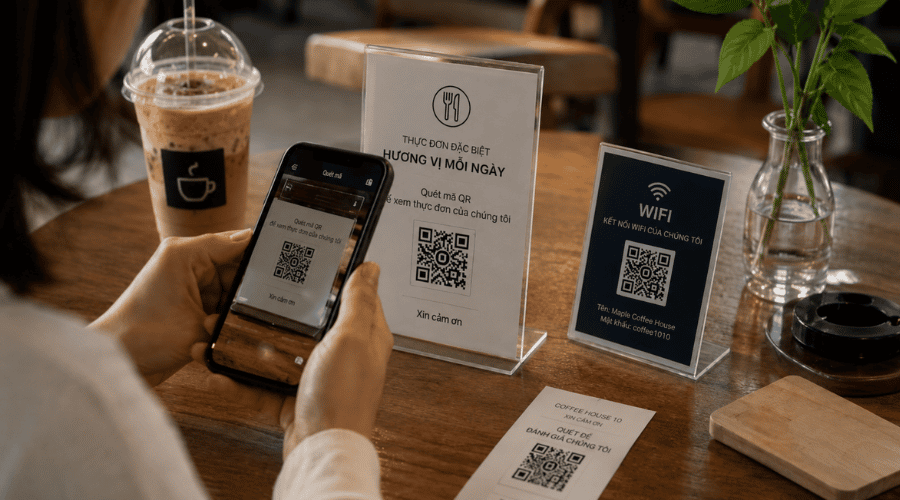 Real-world QR technology application, helping accelerate information access and reduce manual steps in the user experience.
Information QR Codes – Simplifying Communication
This group helps businesses and individuals share information quickly and accurately:
vCard QR Code: Stores a digital business card, allowing contacts to be saved directly to a phone.
Email / Phone Call QR Code: Initiates contact with a single scan.
SMS QR Code: Auto-generates a pre-filled message, ideal for registrations, responses, or promotional programs.
→ Bridges the communication gap and increases the conversion rate from interest to action.
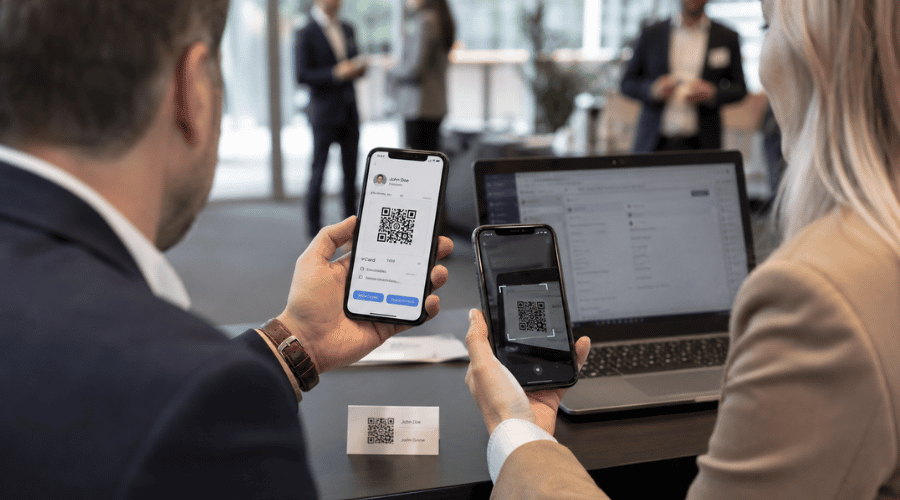 Information QR Codes help businesses shorten the connection gap and improve communication efficiency.
Social Media QR Codes – Boosting Engagement and Brand Awareness
Social platform QR codes help businesses expand their reach and connect with customers:
Facebook, Twitter, Instagram, LinkedIn, WhatsApp, YouTube → All enable direct navigation to profiles, content, or specific interactions.
→ Grow followers, drive engagement, and synchronize multi-channel marketing strategies.
Multimedia QR Codes – Enriching the Content Experience
Deliver information while bringing content to life:
Audio QR Code: Plays instructional audio, narration, or advertisements.
Video QR Code: Displays introduction videos, how-to guides, or brand storytelling.
Image QR Code: Showcases product photos, infographics, or visual documents.
PPTX QR Code: Provides quick access to presentations for education and business use.
→ Increases engagement, improves information accessibility, and creates multi-dimensional interactive experiences across offline and online channels.
File Transfer QR Codes – Optimizing Sharing and Collaboration
Enables fast document sharing without manually sending files: Google Docs, Sheets, Forms, and more → Boosts productivity, supports real-time collaboration, and reduces reliance on email.
App and Service QR Codes – Accelerating Digital Adoption
App downloads (Google Play / App Store)
Spotify, YouTube, Instagram
WhatsApp (direct customer connection)
→ Simplifies the installation journey, increases app download rates, and drives service usage.
Financial QR Codes – Fast, Secure Transactions
Payment QR Codes
Cryptocurrency QR Codes
→ Streamlines the payment process, reduces transaction time, and enhances the shopping experience.
Location QR Codes – Precise Navigation
Map QR Code: Helps users quickly find their way to a destination → Improves the navigation experience, especially in retail, events, and services.
Advanced QR Codes – Comprehensive Business Optimization
Specialized QR code types designed to elevate business performance and operations:
Product QR Code: Delivers detailed product information, reviews, and usage guides.
Store QR Code: Bridges online and offline, promotes programs, and drives traffic.
Company QR Code: Communicates brand information and builds credibility.
Personal QR Code: Shares a modern, professional profile.
Event QR Code: Manages information, schedules, and attendee interaction.
Survey QR Code: Collects data and feedback quickly and efficiently.
→ Enables personalized experiences, strengthens marketing and sales performance, and gathers data to support strategic analysis and optimization.
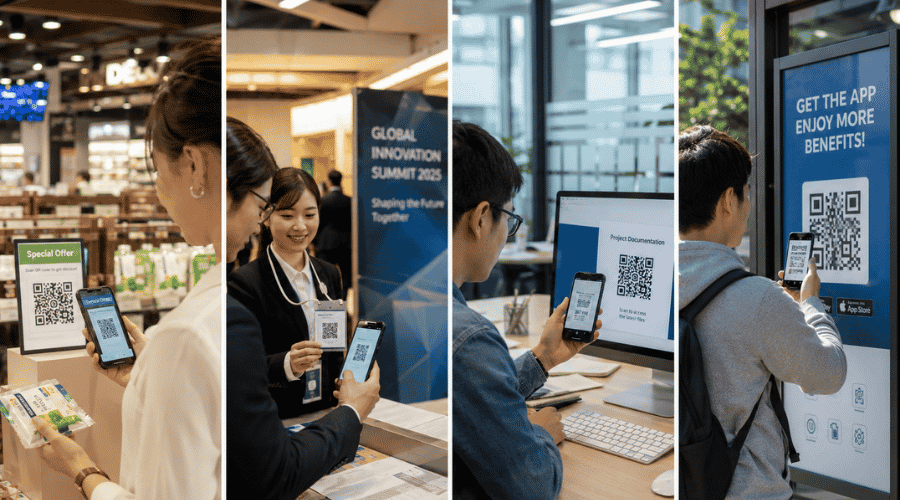 The QR application ecosystem in business helps optimize operations, boost marketing effectiveness, and improve the customer experience.
Conclusion
QR codes are no longer just an information access tool — they've become a powerful bridge between the physical and digital worlds. With a diverse range of formats and applications, QR codes help businesses enhance the customer experience, streamline operations, and drive meaningful conversions.
This is the core value that iCheck QR delivers: a flexible, diverse, and easy-to-deploy QR code ecosystem that empowers businesses to fully harness the potential of QR technology in the digital age.



